Setting Up Your First Hardware Wallet Without the Anxiety
A hardware wallet is the single biggest upgrade to your crypto security — and the setup intimidates people far more than it should. Here's the calm, careful walkthrough, mistakes and all.
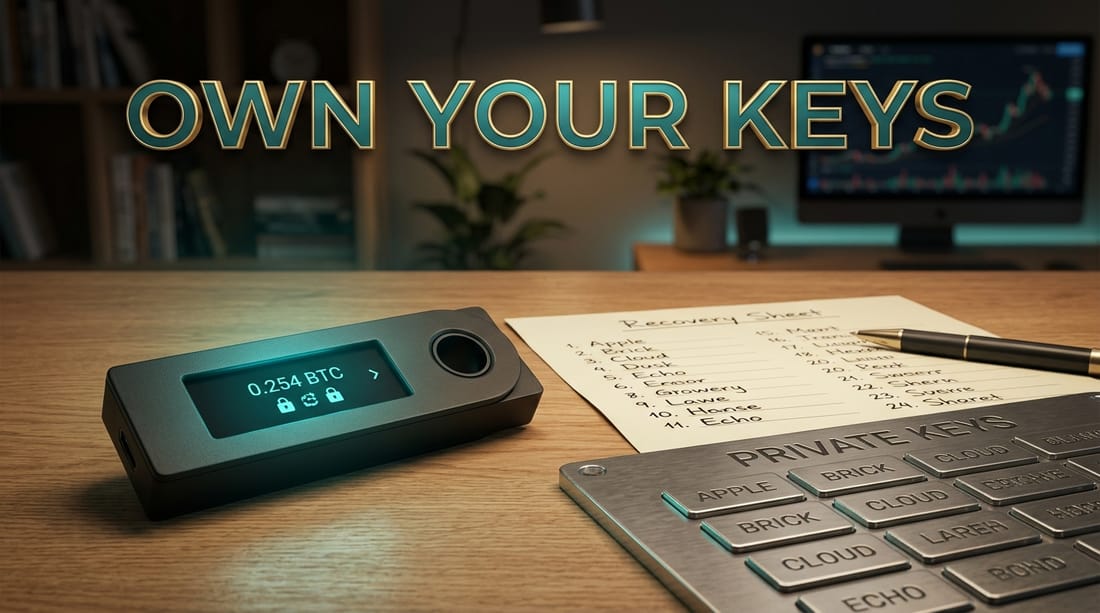
A hardware wallet is the single biggest upgrade most people can make to their crypto security — and it scares people out of proportion to how hard it actually is. The fear is understandable: there's no support line, no password reset, and a sense that one wrong move loses everything. So let's do this calmly, in order, with the mistakes flagged before you can make them.
If you've read hot wallets vs. cold wallets, you already know the idea: a hardware wallet keeps your private keys on a small offline device that signs transactions without ever exposing the keys to your internet-connected computer. Here's how to set one up without the anxiety.
Step 1: Buy it the right way
This step matters more than any other, so we'll be blunt: buy only from the manufacturer directly, or an official authorized reseller. Never used. Never from a random third-party marketplace listing. A tampered device can be rigged to hand your funds to a stranger the moment you fund it. The discount on a sketchy listing is bait.
If a "new" device arrives with a seed phrase already printed on a card, or instructions to use a pre-filled phrase \u2014 stop. That is a scam, every time. A genuine device generates a fresh seed phrase during your setup, in front of you, that no one else has ever seen.
Step 2: Initialize it yourself
Power on the device and follow its official app. It will generate a brand-new wallet and set a PIN to unlock the device. Choose a PIN you'll remember but isn't trivially guessable, and understand what it protects: the PIN stops a thief who physically steals the device. It is not your backup.
Step 3: Record your seed phrase like your future depends on it
The device will display your seed phrase — a list of words — once. This is the master key to everything. Write it down by hand, on paper (or stamp it into a steel backup plate for fire and water resistance). Then obey the rules that have saved countless people:
- Never type it into a phone, computer, photo, cloud note, or website. It should never touch anything connected to the internet. Ever.
- Store it offline, ideally in more than one secure location, so a single fire or flood can't erase it.
- No one legitimate will ever ask for it — not support, not an airdrop, not a "wallet validation." Anyone who asks is robbing you.
The full reasoning lives in what a seed phrase is and the right way to store it. If you internalize one thing from this guide, make it this step.
Step 4: Test before you trust
Do not move your life savings as the first transaction. Send a small test amount to your new wallet, confirm it arrives, and then practice the part most people skip: wipe the device and restore it from your seed phrase. Watching your funds reappear from just the written words is the moment the fear evaporates — and it proves your backup actually works before it has to.
Step 5: Move the rest, calmly
Once your test worked and your backup is verified, move your longer-term holdings over. If you're buying fresh coins to move, get them on a large, reputable exchange first, then withdraw to your hardware wallet:
Keep only what you're actively trading on the exchange, and let the bulk live in cold storage — exactly the split that would have saved everyone in our exchange-bankruptcy stories.
The mindset that makes it easy
A hardware wallet feels intimidating because it hands you total responsibility — but that's also the entire point. The device protects the keys; you protect the phrase. Get the phrase right, test your recovery once, and the rest is genuinely simple. You're not defusing a bomb. You're learning to hold your own money, which millions of ordinary people have done with a pen, a piece of paper, and one careful afternoon. Take the afternoon. It's the best-spent one in crypto.
Frequently asked questions
Only from the manufacturer directly or an official authorized reseller. Never buy used or from a random marketplace listing — a tampered device can be pre-loaded to steal your funds.
Stop immediately — it's a scam. A genuine device generates a brand-new seed phrase during your own setup. A pre-filled phrase means someone else already has it.
Your funds are safe as long as you have your seed phrase. You can restore your wallet onto a new device using that phrase, which is why protecting the phrase matters more than the device itself.
No. Start with a small test transfer to confirm everything works, then move the rest once you're confident in your setup and backup.
Keep reading




Popular this week
- 01Rug Pulls Hall of Shame: Famous Crypto Exit ScamsAnalysis · 4 min
- 02Grid Trading Bots Explained, and When They Blow UpGuide · 4 min
- 03Where AI and Crypto Actually Meet: Compute, Data, and DePINAnalysis · 9 min
- 04Modular vs Monolithic Blockchains: The Design FightExplainer · 6 min
- 05Base and Coinbase's Quiet Bet on Bringing Millions On-ChainAnalysis · 5 min